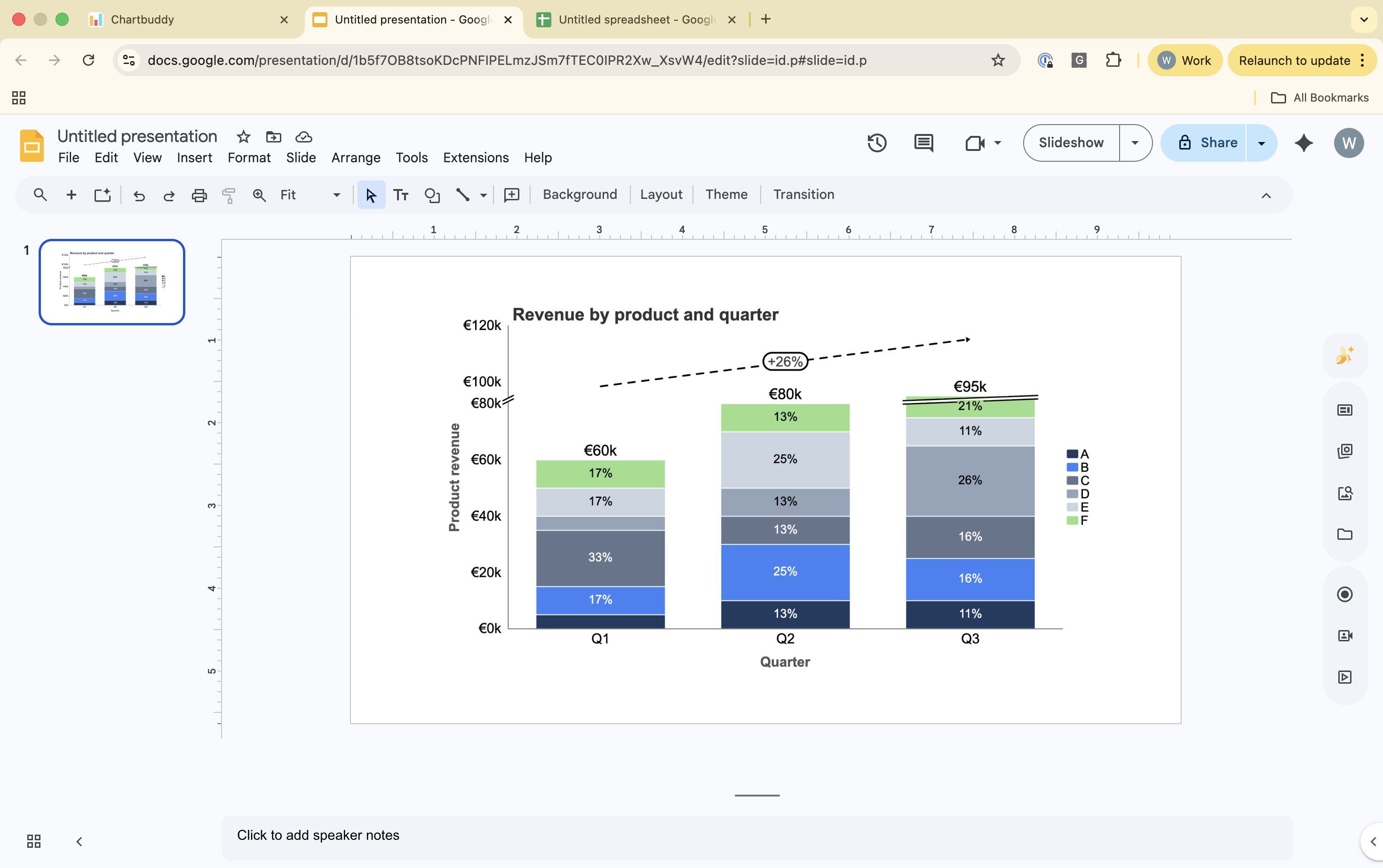
When you create a chart with Chartbuddy, it inserts a static PNG image onto your slide. Anyone who opens the presentation - whether they have Chartbuddy installed or not - sees the chart exactly as you designed it.
Viewing vs editing
Without Chartbuddy: viewers see the chart as a static image. They can move or resize it like any other image in Google Slides, but they cannot change the data, colors, or formatting.
With Chartbuddy: editors can click the chart and open it in the Chartbuddy panel to change data, formatting, and styling.
What this means for sharing
You can share presentations with Chartbuddy charts to anyone - clients, board members, stakeholders - without worrying about whether they have the extension installed. The charts will look exactly as intended.
If you need a colleague to edit the charts, they'll need to install Chartbuddy. Installation takes about one minute.