Open the installer
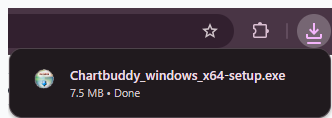
When the download is complete, open Chartbuddy_windows_x64-setup.exe from your browser download bar or Downloads folder.

Your download should start automatically. If it doesn’t, click here.
Follow these steps
When the download is complete, open Chartbuddy_windows_x64-setup.exe from your browser download bar or Downloads folder.

Tim van Schaick
CTO Chartbuddy
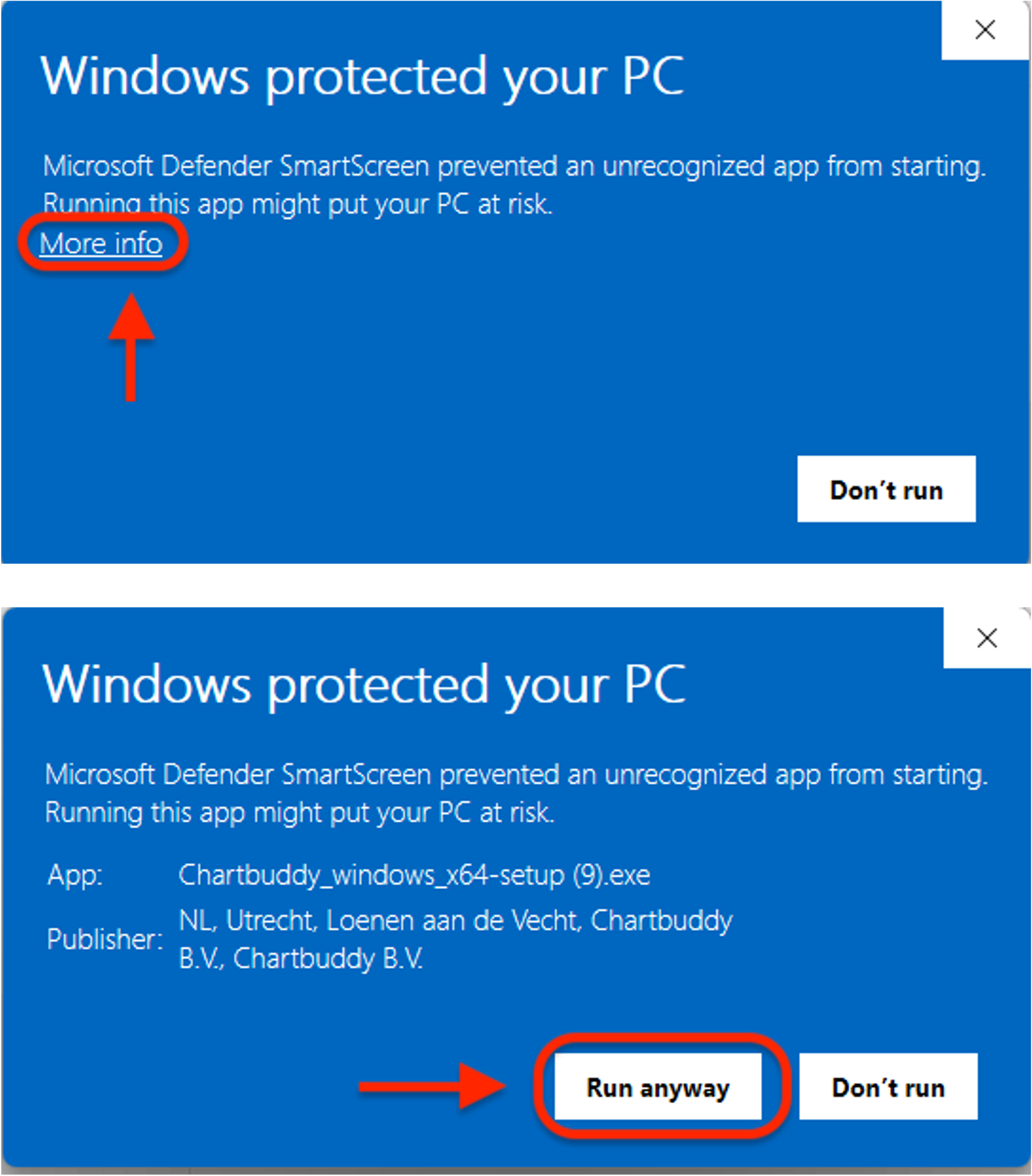
Windows may show this message while it builds familiarity with a new product. Select More info, then select Run anyway to start the installer.
The publisher should be Chartbuddy B.V. If it is different, or Windows reports an invalid signature, do not continue.
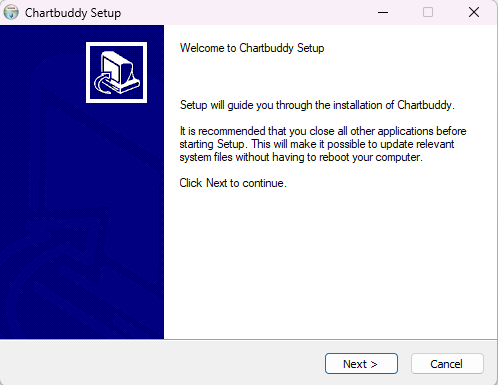
Click through the Chartbuddy setup wizard. Keep the default options and select Install, then Finish when it completes.
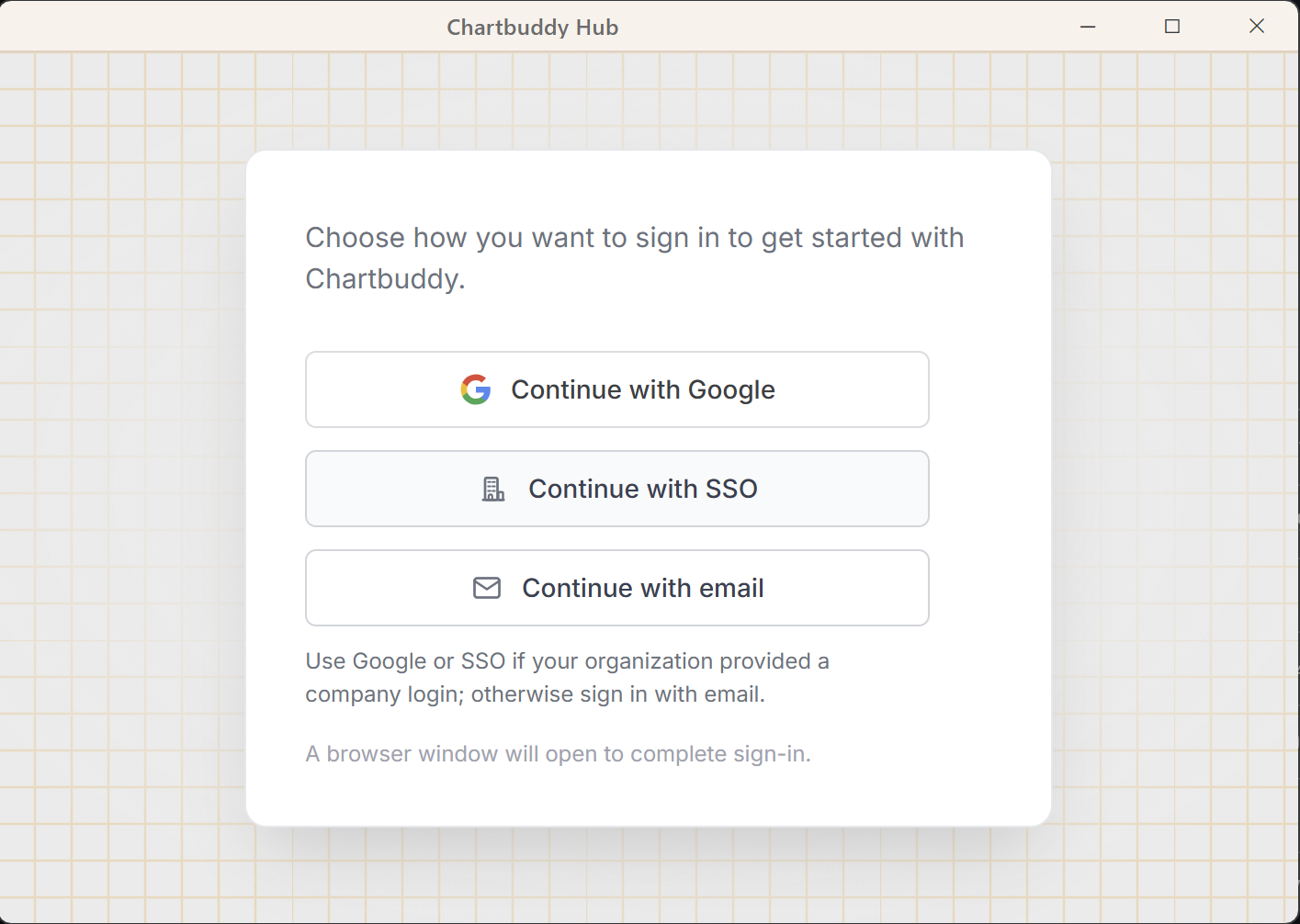
When Hub opens, sign in with your existing Chartbuddy account, the same email you already use on chartbuddy.io.
Stuck on “Windows protected your PC”? Microsoft Defender help. Or the full Windows install guide.