
Appearance
Bar Mekko
A Bar Mekko chart draws bars of different widths: the width shows one measure and the height another. The two are independent, so a bar can be wide and short. Heights sit on a real value axis, can be stacked from several series and can go below zero. For columns that are split into shares of 100%, use a Marimekko.
When to use it
- Market size (width) against growth or margin (height) per segment.
- Revenue (width) against profitability (height) per customer group.
- Any ranking where the size of each item matters as much as its value.
Create one
- Click the Chartbuddy button on the slide, then Create chart.
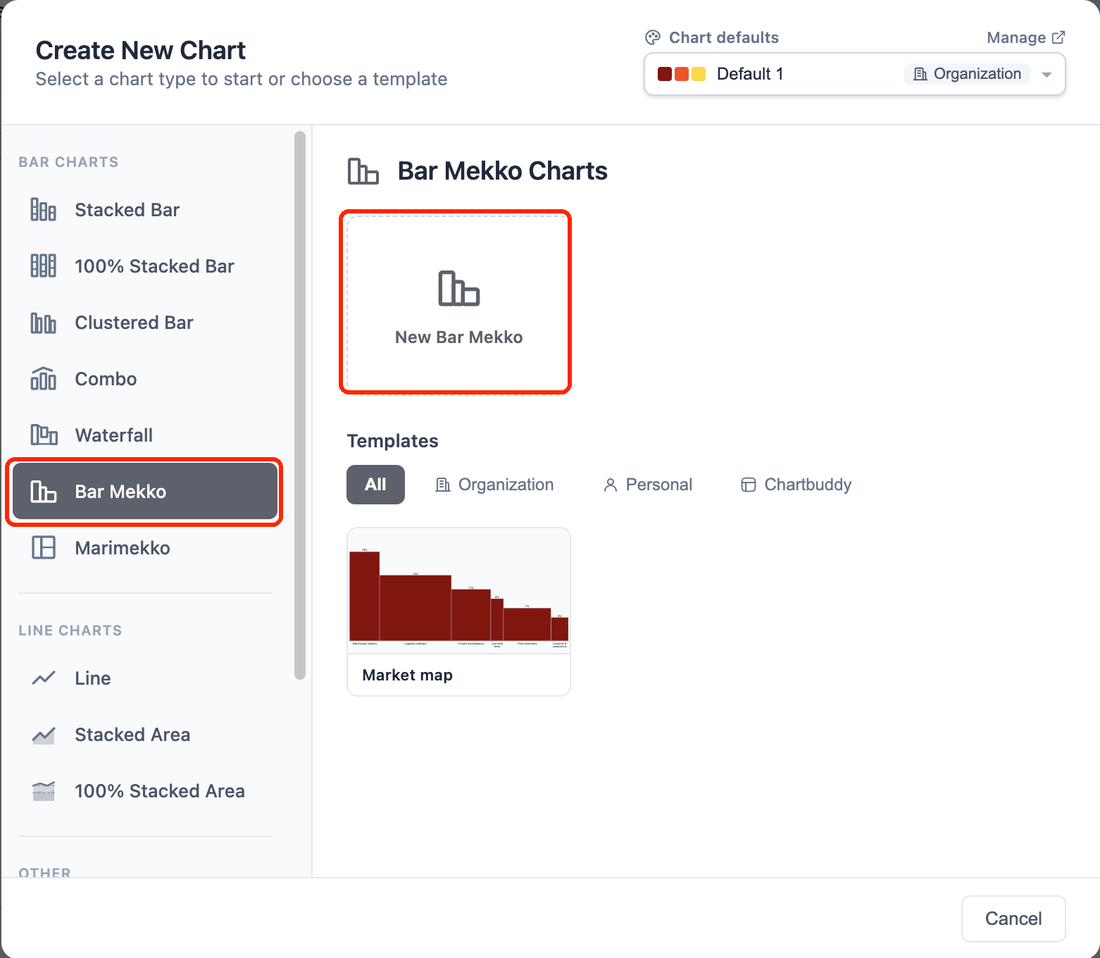
- In Create New Chart, click Bar Mekko under Bar Charts.
- Click New Bar Mekko, or pick a template under Templates.
Data layout
The first column holds the bar names. The second column sets the width of each bar; it is never drawn. Every column after it is a height series; with more than one, the heights stack.
| Width | Series 1 | |
|---|---|---|
| Segment A | 22 | 43 |
| Segment B | 14 | 30 |
| Segment C | 28 | 27 |
| Segment D | 18 | 20 |
| Segment E | 12 | 12 |
A Bar Mekko needs at least the name column, the width column and one height column.
Bar order
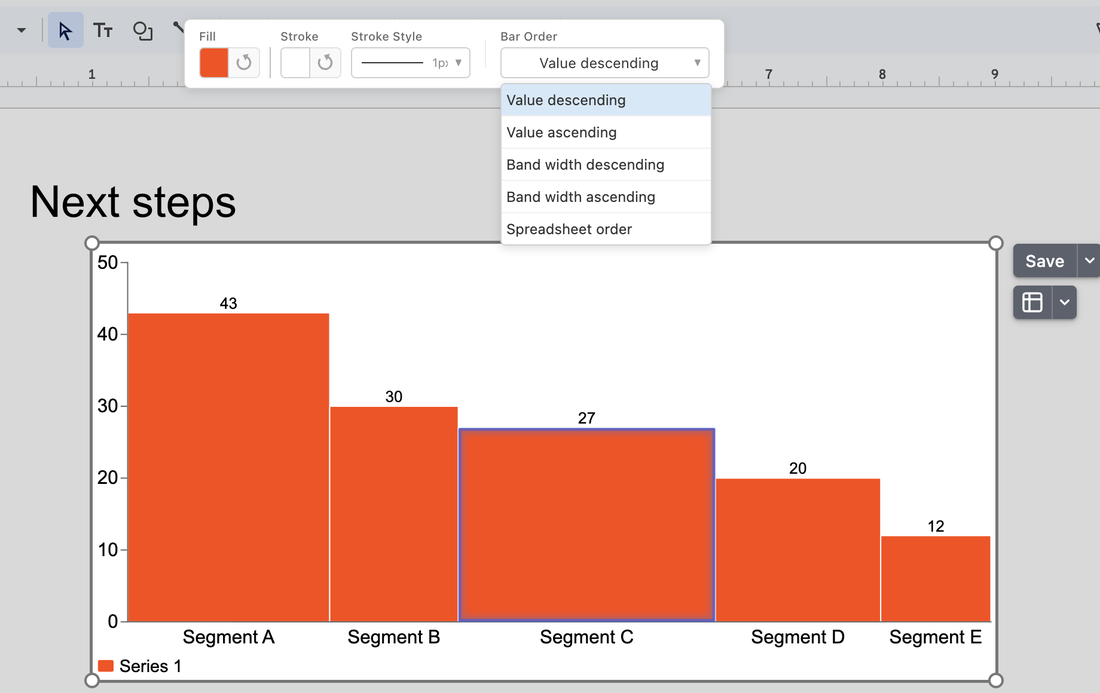
Click a bar. The toolbar shows Bar Order with a dropdown:
- Value descending (the default) and Value ascending sort by height.
- Band width descending and Band width ascending sort by width.
- Spreadsheet order keeps the order of the data window.
With two or more height series, the same toolbar has Segment Order (Stack order).
Options
Click an empty part of the chart for Chart Settings: Chart type, Manage Series, Orientation (Vertical bars or Horizontal bars) and Quick style.
Tips
- Label the width on the category axis or in a text box, since readers will not guess it; see Axes and gridlines.
- Difference arrows and level arrows work between bars in their sorted position.
Related
- Marimekko – variable widths with 100% columns
- Stacked Bar – equal widths
- Layout and size – the chart's size on the slide