
Appearance
Label overflow
When category names are too long for the space under each bar, the extension can wrap, rotate or stagger them. You choose how on the category axis.
Overflow options
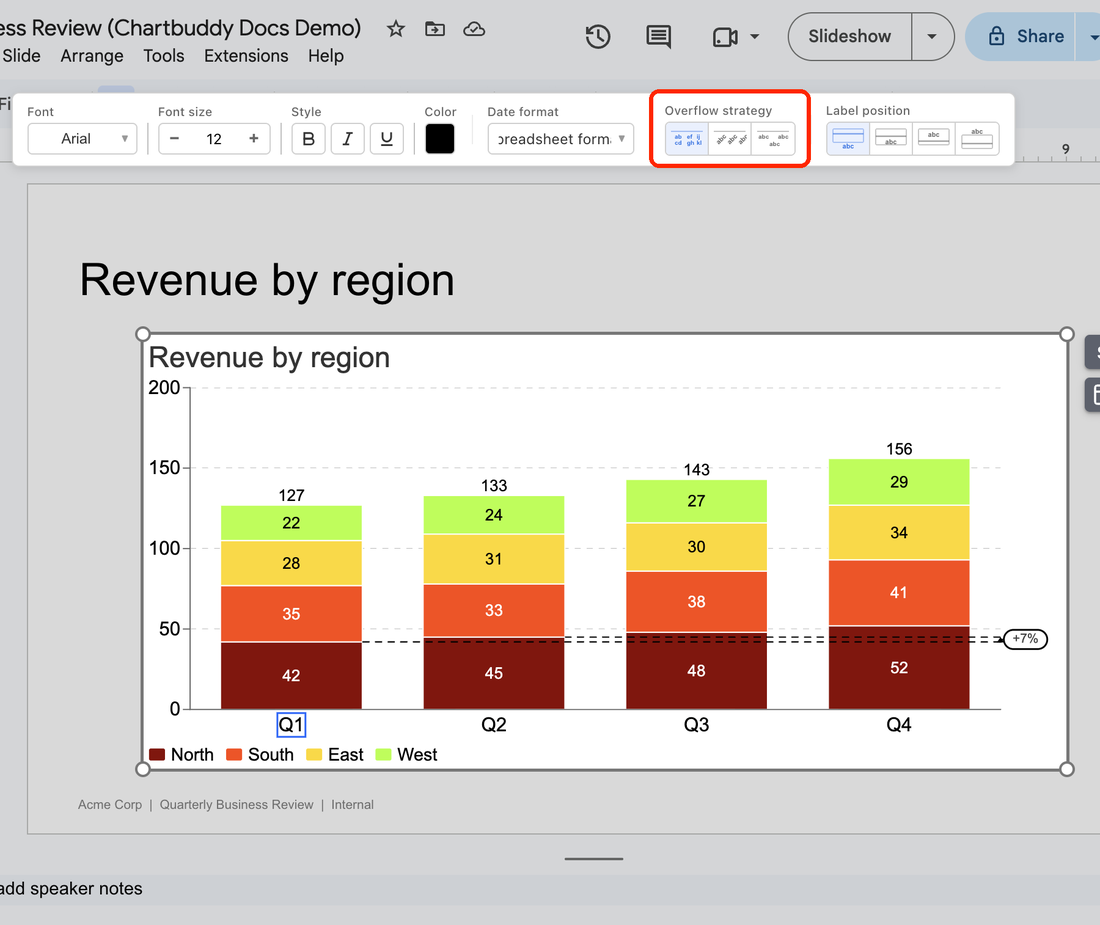
Click a label on the category axis. Overflow strategy in the toolbar has these options:
- Wrap breaks long labels over several lines.
- Rotation tilts the labels when they do not fit.
- Alternating Stacked puts every other label on a second row.
On a horizontal (sideways) chart the category labels sit on the left, and the options are None (single-line labels, cut off with "…" past half the chart width) and Wrap.
Related
- Axes and gridlines – label position on the axis
- Titles and text boxes – the line limit for titles and text boxes