
Appearance
Keyboard shortcuts
While a chart is open in the editor, the extension takes the keyboard: keys act on the chart or the data window, not on Google Slides behind it. On Mac use ⌘ where this page says Ctrl, and Option for Alt.
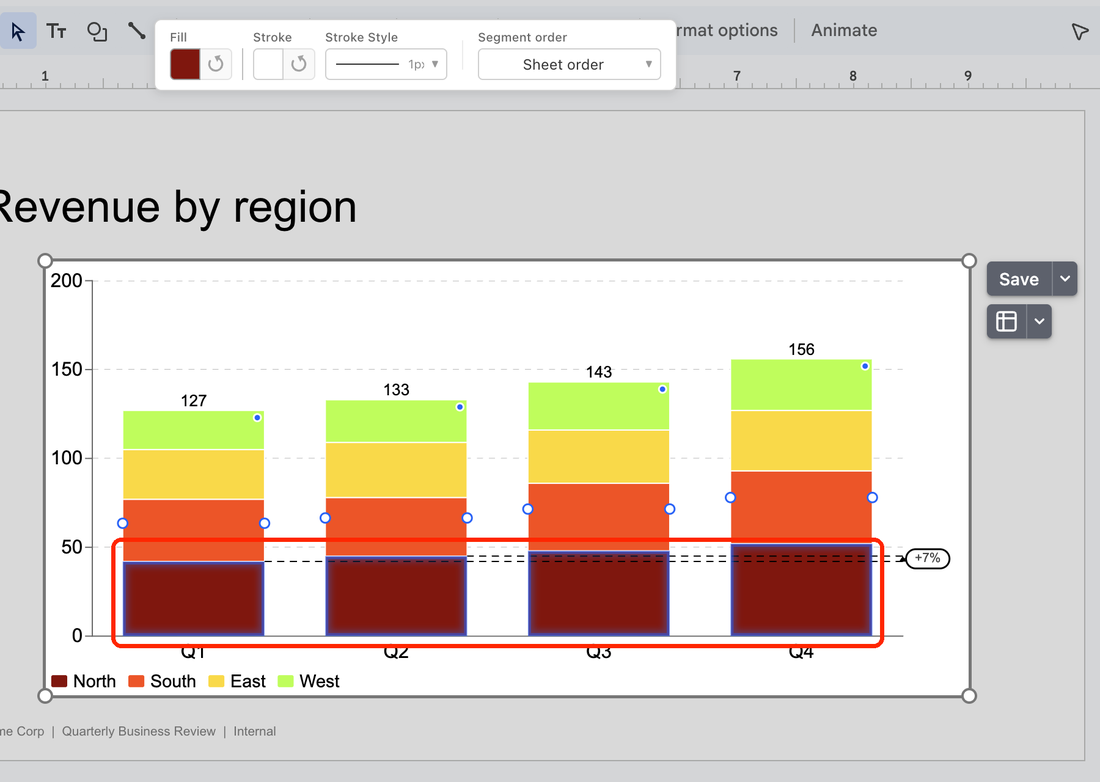
In the chart
These keys work when the data window is closed (or not focused) and a chart is open.
| Keys | What they do |
|---|---|
| Ctrl+Z | Undo |
| Ctrl+Shift+Z or Ctrl+Y | Redo |
| Ctrl+A | Widen the selection: one element, then its whole series, then all series |
| Delete or Backspace | Delete the selected annotation or element, where it can be deleted |
| Arrow keys | Move selected pie labels or shaded regions by 1 pixel; with Shift, by 10 |
| Escape | Close the data window; cancel a drag in progress |
| Ctrl+click | Add an element to the selection or remove it |
| Shift+click | Select a range of elements from the first one clicked |
While you edit, Slides shortcuts such as Ctrl+F, Ctrl+P, Ctrl+D, Tab, Page Up/Page Down, Home/End, Shift+Enter and Ctrl+Enter do nothing, so they cannot change the deck behind the chart. Browser zoom (Ctrl+plus, Ctrl+minus) and reload still work.
In the data window
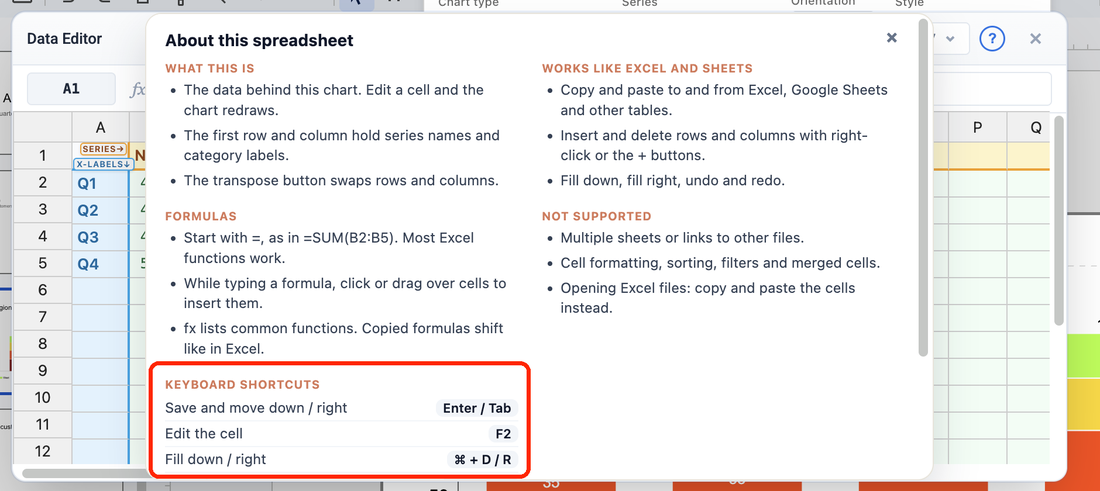
The same list is in the window itself: press Ctrl+/, or click ? and then All shortcuts.
| Keys | What they do |
|---|---|
| Ctrl+Arrow | Jump to the edge of the data |
| Ctrl+Shift+Arrow | Select to the edge of the data |
| Home / End | First / last filled column in the row |
| Ctrl+Home / Ctrl+End | First / last filled cell |
| Page Up / Page Down | One screen up / down |
| Shift+Space | Select the whole row |
| Ctrl+Space | Select the whole column |
| Ctrl+A | Select all |
| Enter / Shift+Enter | Save and move down / up |
| Tab / Shift+Tab | Save and move right / left |
| F2 | Edit the cell |
| Escape | Cancel typing; close a notice, then the window |
| Ctrl+Enter | Put the typed value in every selected cell |
| Alt+Enter | Line break inside the cell |
| Ctrl+D / Ctrl+R | Fill down / fill right |
| Delete | Clear the selected cells |
| Ctrl+Shift+= | Insert rows (or columns, if whole columns are selected) |
| Ctrl+− | Delete rows (or columns, if whole columns are selected) |
| Ctrl+C / Ctrl+X / Ctrl+V | Copy / cut / paste |
| Ctrl+Z / Ctrl+Shift+Z | Undo / redo |
| Ctrl+/ | Show or hide the list of shortcuts |
Related
- The data window – what the window does
- The editor at a glance – selecting parts of the chart