Appearance
Markdown files in a project
Hub opens .md and .markdown files from a project next to the chat: the source on one side, a live preview on the other. Switch between Source, Split and Preview views. Edits save on their own after a short pause, as the file on disk.
What the preview draws
- CommonMark text, tables and strikethrough
- Images that live in the project folder
```mermaiddiagrams
Links open in the browser. Raw HTML in the file is shown as text.
The pane chat
With a Markdown file open, Hub's chat can read it and make small exact edits. Ask it to fix a typo, add a table row, or answer a question from the notes.
MCP clients
Cursor, Claude and other MCP clients can edit the file with their own tools or with Hub's Markdown tools (read_markdown, find_in_markdown, edit_markdown, write_markdown). If the file is open in Hub, the pane reloads when it changes on disk.
New file
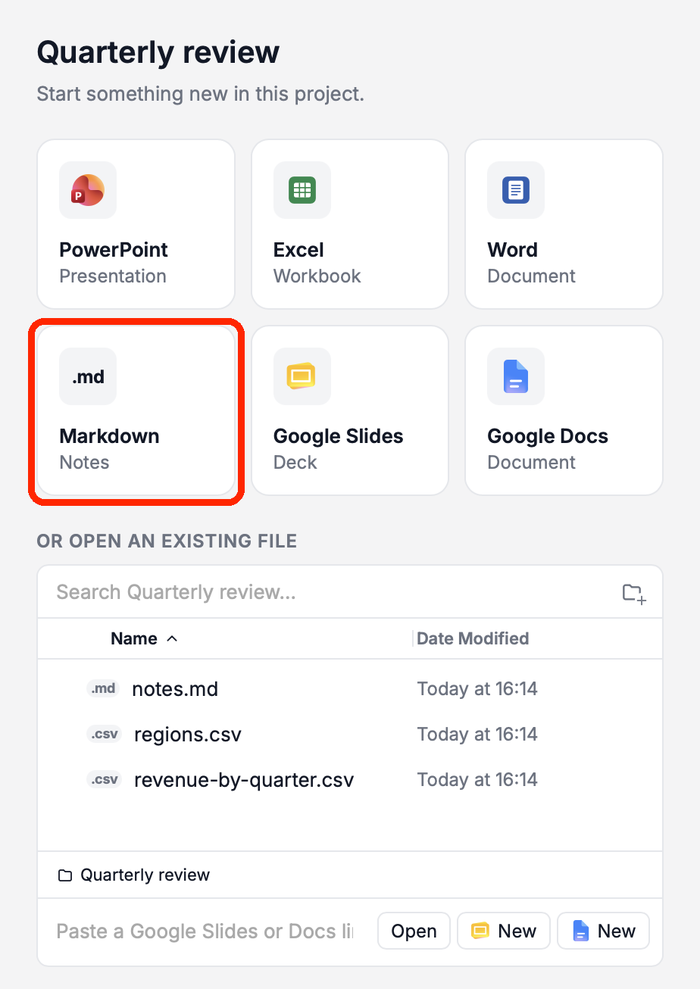
In a project, choose + → Markdown file, or the Markdown tile on the project start page. Hub creates a notes file and opens it in a new chat.