Appearance
Updates
Hub checks for updates each time it starts and installs them before it opens. While it runs, an Update button appears at the bottom of the sidebar when a new version is out; click it to install and restart. Save open charts first: Hub warns you when some are unsaved.
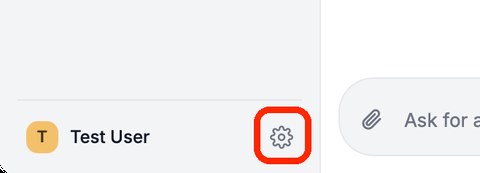
To check yourself, click the gear, open About & updates and click Check for updates.
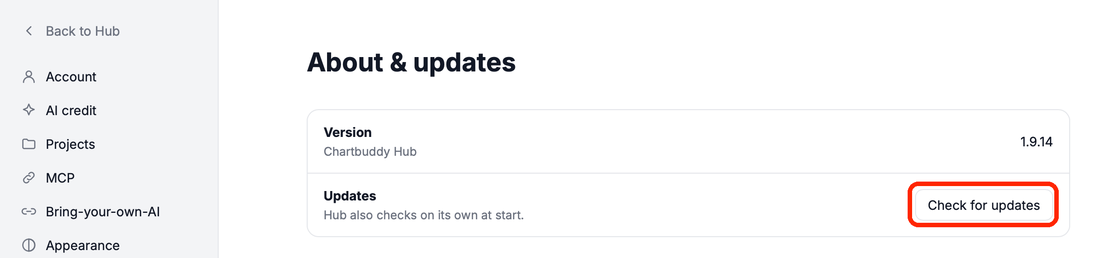
After an update, Hub offers to restart AI apps that are still connected to the old version.